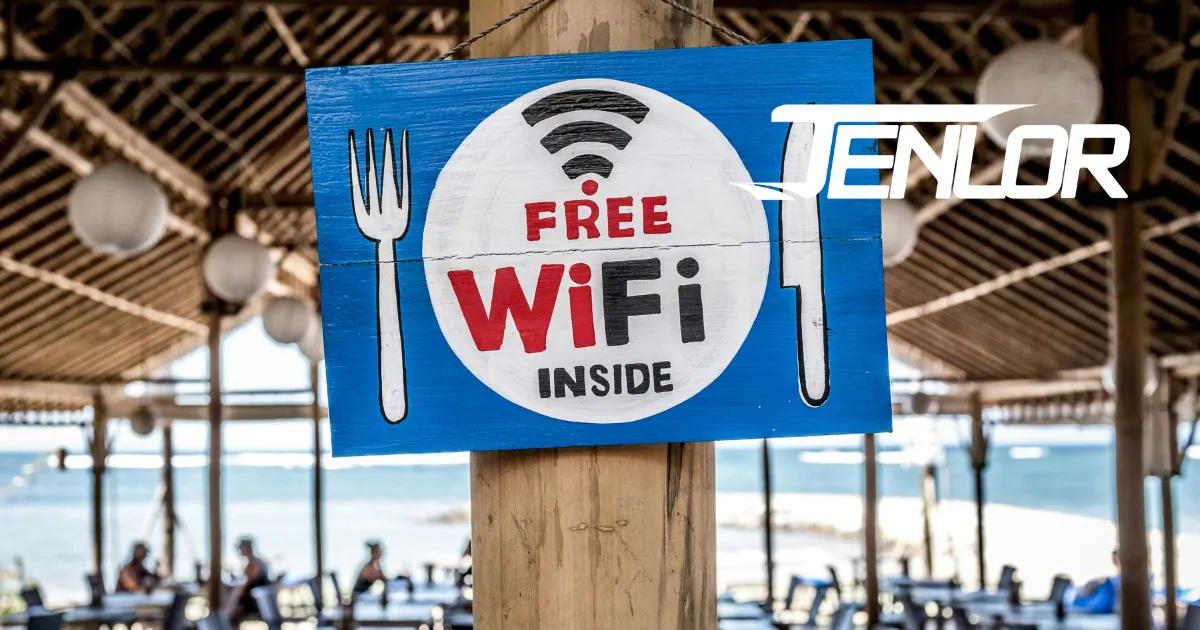
Public Wi-Fi is convenient, but it comes with risks. Many remote employees use it in coffee shops, airports, and hotels. However, cybercriminals target these networks to steal sensitive data. Without proper protection, businesses and employees are vulnerable.
Why Public Wi-Fi Is Dangerous
	- Unsecured Networks – Most public Wi-Fi lacks encryption, making data easy to intercept.
	- Man-in-the-Middle Attacks – Hackers position themselves between users and websites to steal information.
	- Fake Wi-Fi Networks – Cybercriminals create lookalike networks to trick users into connecting.
	- Malware Distribution – Hackers use unsecured Wi-Fi to inject malware into devices.
	- Session Hijacking – Attackers steal login sessions to gain unauthorized access.
How Remote Employees Can Stay Safe
	- Use a VPN – A Virtual Private Network encrypts data, preventing hackers from intercepting it.
	- Turn Off Auto-Connect – Disable automatic connection to public networks to avoid untrusted access points.
	- Use Mobile Hotspots – A personal hotspot is more secure than public Wi-Fi.
	- Enable Two-Factor Authentication (2FA) – Adds an extra layer of security to accounts.
	- Update Software Regularly – Ensures protection against the latest cyber threats.
	- Avoid Accessing Sensitive Data – Don’t log into banking or work accounts on public networks.
	- Verify the Network – Ask staff for the correct network name before connecting.
Businesses Must Prioritize Security
Companies should train employees on cybersecurity best practices. Providing VPN access, enforcing strong password policies, and using endpoint security tools can reduce risks. Regular security audits help identify vulnerabilities before attackers exploit them.
Frequently Asked Questions About Public Wi-Fi and Remote Work Security
Why is public Wi-Fi dangerous for business employees?
Public Wi-Fi networks typically lack encryption, making transmitted data easy to intercept. Cybercriminals exploit these networks through man-in-the-middle attacks, fake hotspots, malware injection, and session hijacking. Remote employees who access company systems on unsecured networks can inadvertently expose sensitive business data.
How can a managed IT provider protect remote workers who use public Wi-Fi?
MSPs deploy enterprise-grade VPN solutions that encrypt all data in transit, enforce device-level security policies, implement multi-factor authentication, and provide endpoint protection to prevent malware. Providers like JENLOR also establish company-wide remote work security policies and conduct regular employee cybersecurity training.
Is a VPN enough to protect business data on public Wi-Fi?
A VPN is essential but not sufficient on its own. Best practices include combining VPN use with multi-factor authentication, disabling auto-connect to public networks, keeping software updated, and avoiding access to sensitive accounts on untrusted networks. A layered security approach — managed by an experienced IT provider — provides the strongest protection.
What should a company's remote work cybersecurity policy include?
A robust policy should cover mandatory VPN use, approved device standards, password requirements, MFA enforcement, data handling procedures, and guidelines for public Wi-Fi use. It should also require regular security awareness training. Managed IT providers can create, implement, and enforce these policies across the entire organization.
Stay Secure Anywhere
Remote work is here to stay, but security should never be compromised. By taking precautions, employees can work safely, even on the go. Businesses must invest in cybersecurity to protect their data and workforce from growing threats.
Ready to scale your business?
Want to learn how JENLOR can support your Pittsburgh business? Our team is available for a no-pressure conversation.
Get in Touch